<! ANGLE: Most articles about “content editors” cover generic editorial tips (reading aloud, tightening sentences). This article specifically targets SEO content editor tools (Surfer, Clearscope, Frase) and argues, with data, that the real value isn’t chasing a perfect score but closing vocabulary gaps to pass Google’s first-stage retrieval gate. It includes a practitioner framework (“The Zero-First Workflow”) built on the BM25 retrieval insight from the DOJ antitrust trial, plus a decision matrix for choosing the right tool based on team size and budget. >
TL;DR
- SEO content editor tools like Surfer, Clearscope, and Frase map to Google’s first-stage retrieval system, which still relies on term matching via BM25, not neural AI. Their biggest value is finding terms you’ve missed entirely, not nudging your keyword count from 4 to 8.
- Three independent studies in 2025 found content scores correlate with Google rankings at 0.10 to 0.32, a weak but meaningful signal. Surfer’s own study of 1 million SERP entries found a 0.28 Spearman correlation, which happened to be stronger than backlinks (0.17) in that same dataset.
- A January 2026 Semrush study of over 300,000 URLs cited by ChatGPT, Google AI Mode, and Perplexity found that clarity and summarization (+32.83%) and E-E-A-T signals (+30.64%) were the two strongest correlated qualities with AI citations, meaning the way you structure content inside these editors matters for AI search too.
- The smartest workflow: use the content editor tool before writing (to find gaps) and after writing (as a sanity check), never during. Writing to a live score produces keyword-stuffed junk.
I spent most of 2024 writing with Surfer’s content editor open in a split screen, watching my content score tick up with every paragraph. My scores looked great. My writing got worse.
Here’s what happened: I’d write a genuinely useful section, then notice the score barely moved. So I’d shoehorn in three more recommended terms. The score jumped. The paragraph read like a fever dream. I was optimizing for a number instead of a reader, and I didn’t realize it until a client asked why our “well-optimized” blog posts kept bouncing visitors in under 40 seconds.
That experience forced me to rethink how these tools actually work, and more importantly, when to listen to them and when to ignore them. Content editor tools aren’t magic. They aren’t worthless. They occupy a specific, narrow role in Google’s ranking pipeline, and understanding where that role begins and ends is the difference between content that ranks and content that scores well on a dashboard nobody else sees.
This article isn’t a product review. You won’t find a ranked list of “the 10 best content editors.” What you will find is a specific workflow for using content editor tools to produce writing that ranks on Google, gets cited by AI answer engines, and still sounds like an actual human wrote it.
What is a content editor tool, and why does it matter for SEO?
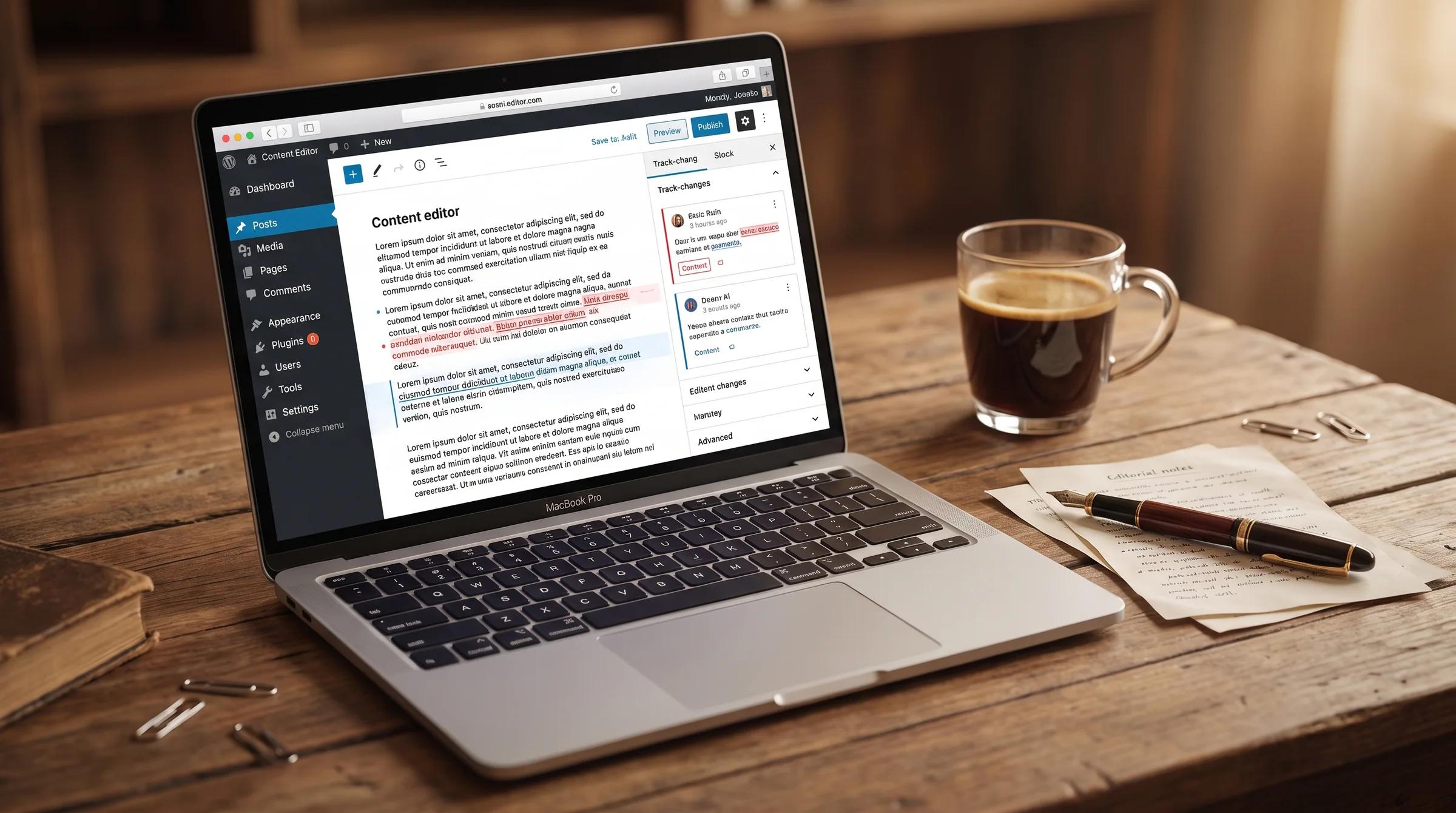
A content editor tool (sometimes called a content optimization tool) is software that analyzes top-ranking pages for a target keyword and gives you real-time recommendations on which terms, subtopics, and structural elements to include in your writing. Surfer SEO, Clearscope, Frase, and MarketMuse are the most widely used options. [INTERNAL LINK: top-seo-tools-reviewed]
These tools feel almost magical the first time you use one. You type in a keyword, and within seconds, you get a scored checklist of exactly what to write about. But that simplicity hides a tension most guides skip over: the tool’s scoring system optimizes for completeness relative to existing results, not for quality, originality, or reader satisfaction. You can literally paste a raw keyword list into some of these editors, write zero actual sentences, and score near-perfect marks.
The MarketBetter team tested 12 platforms on live B2B articles for 90 days in early 2026. Three tools consistently moved pages into the top 3. Four were, in their words, “overpriced keyword stuffers” that produced content that scored well internally but failed to move rankings meaningfully at all.
Here’s the thing nobody tells you upfront: most content editor tools don’t optimize for quality. They optimize for vocabulary alignment with pages that already rank. If those pages are ranking because of domain authority, not content quality, you’re aligning your vocabulary with the wrong signals entirely.
Why content scores correlate with rankings (but not the way you think)
During Google’s DOJ antitrust trial, VP of Search Pandu Nayak described Google’s first-stage retrieval system under oath. It doesn’t use neural networks or fancy AI. It uses inverted indexes, postings lists, and a scoring algorithm called BM25, all traditional information retrieval methods that predate modern machine learning by decades.
Think of it like a bouncer at a nightclub. BM25 is the bouncer. Its only job is to decide which pages get through the door into the candidate set (roughly tens of thousands of pages). Once you’re inside, different systems, things like BERT, neural matching, click data from NavBoost, and backlink signals, decide your actual ranking position among those candidates. The bouncer doesn’t care about your outfit. The bouncer checks the guest list.
Content editor tools essentially reverse-engineer that guest list. They show you which terms the bouncer is checking for. That’s why three major studies all found weak-but-positive correlations between content scores and rankings:
| Study | Sample Size | Correlation Range | Date |
|---|---|---|---|
| Ahrefs content score study | 20 keywords, 5 tools | 0.10 to 0.32 | May 2025 |
| Surfer SEO ranking factors study | 1 million SERP entries | 0.28 (Spearman) | July 2025 |
| Originality.ai study | ~100 keywords | 0.10 to 0.28 | October 2025 |
A 0.28 correlation sounds small. But backlinks only showed about a 0.17 correlation in Surfer’s same dataset. Content score was actually one of the stronger controllable signals they measured.
“A 0.26 correlation is not the brag they think it is.”
- Bernard Huang, Co-founder of Clearscope
Huang’s right, and he’s also making a subtle point. The score doesn’t predict rankings. It predicts retrieval eligibility. That’s a less exciting promise, but it’s the honest one, and understanding the difference is what separates people who get value from these tools from people who waste hours chasing a number.
The “Zero-First” workflow: how I actually use content editors now
After months of experimenting (and plenty of content that tanked despite high scores), I landed on a workflow I call “Zero-First.” The idea is simple: the highest-value action a content editor tool can surface is a recommended term you haven’t used at all.
Here’s why. In BM25 scoring, the first mention of a relevant term captures roughly 45% of the maximum possible score for that term. Three mentions get you to about 71%. Going from three to thirty adds almost nothing, because the scoring function has a built-in saturation curve. But going from zero to one? That’s the difference between being invisible for every query containing that term and actually showing up.
The workflow has three phases:
-
Before writing: mine the gaps. Run your target keyword through the content editor. Don’t look at the score. Instead, filter for terms you haven’t used at all. In Clearscope, there’s an “Unused” filter for exactly this. In Surfer, sort by usage and look at the zeros. Ask yourself: does this missing term represent a subtopic my reader would expect me to cover? If yes, add it to your outline. If the tool suggests “project manager” for your article about content prioritization, ignore it.
-
During writing: close the tool. Seriously. Write for your reader. Use your outline. Tell stories. Share what you actually know. The moment you start writing to a live score, your word choices shift from “what’s the best way to explain this” to “how do I fit ‘overarching strategy’ into this paragraph naturally.” (Spoiler: you can’t.)
-
After writing: run the sanity check. Paste your draft back in. Look for zero-usage terms you missed, terms that represent real subtopics you forgot. Add them where they fit naturally. If your score is in the same ballpark as competing pages (within 10-15 points), stop. Do not spend another hour trying to close the gap between 78 and 85. That time is better spent adding a useful example, a data point, or a sharper intro.
Pro Tip: The “zero-to-one” edit on missing terms is roughly 10x more impactful than increasing any single term from 3 mentions to 6. Prioritize breadth of topic coverage over depth of any individual keyword repetition.
Picking your competitors wisely (most people skip this step)
Here’s something almost no content editor guide mentions: the default competitor set in most tools will wreck your recommendations.
Surfer, Clearscope, and Frase all pull from the top 10-20 ranking pages by default. That set almost always includes Wikipedia, major news outlets, and enterprise sites with overwhelming domain authority. These pages often rank despite their content, not because of it. Wikipedia’s page about your topic might be thin, poorly structured, and missing half the subtopics your audience cares about. But it ranks because it’s Wikipedia.
When those pages dominate your competitor analysis, the tool’s recommendations get skewed. You end up chasing term patterns that reflect authority advantage, not content quality.
What I do instead: manually exclude the outliers. Most tools let you remove specific URLs from the analysis. Strip out Wikipedia, Amazon listings, and any site where you can tell the domain authority is doing 90% of the work. What’s left gives you a much cleaner picture of what content actually needs to look like.
A better filter? Look for pages that rank for a high number of organic keywords on mid-authority domains. A page ranking for 500 keywords on a DR 35 site has proven its vocabulary works across hundreds of retrieval events. That’s the page you want to learn from.
Content editors and AI search: the new dimension
If you’re only using these tools to chase Google rankings, you’re already behind. A January 2026 Semrush study analyzing over 300,000 URLs cited by AI platforms (ChatGPT Search, Google AI Mode, and Perplexity) found five text-only content qualities that strongly correlated with getting cited by AI answer engines:
| Content Quality | Correlation with AI Citations |
|---|---|
| Clarity and summarization | +32.83% |
| E-E-A-T signals | +30.64% |
| Q&A formatting | +25.45% |
| Section structure (headings, lists) | +22.91% |
| Structured data elements | +21.60% |
Notice what’s not on that list? Keyword density. Term frequency. Content score.
Semrush also found one quality that showed a negative correlation: non-promotional tone (-26.19%). That doesn’t mean LLMs prefer promotional language. Roma Chereshnev, the data scientist who led the study, explained that professionally written articles (which tend to be better structured, better sourced, and more optimized) often use a commercial or persuasive tone. The negative correlation likely reflects the fact that most high-quality content on the web is written by professionals who have something to sell.
The qualities AI engines prefer, clear summaries, expert attribution, question-and-answer formats, are the exact things that get worse when you write to a live content score. When you’re focused on stuffing “enterprise content strategy” into your third paragraph, you’re not thinking about whether your opening sentence directly answers the reader’s question.
“Clarity and structure are not SEO shortcuts. They simply make information easier for both people and AI systems to interpret.”
- Cecilia Meis, Senior Editor at Semrush
The practical takeaway: after your “Zero-First” pass for missing terms, do a second pass specifically for AI readability. Does each section open with a direct answer? Are your expert sources named and linked? Could an AI engine extract any single paragraph from your article and have it make complete sense on its own? If yes, you’re optimizing for both Google and the AI citation layer simultaneously.
This matters because the overlap isn’t guaranteed. Semrush found only about a 50% overlap between traditional SEO rankings and AI Mode answer visibility. Half the time, the pages Google ranks are not the pages AI engines cite. You need to optimize for both.
Which content editor tool should you actually pick?
I’ve used all four of these on real projects. Instead of ranking them (everyone’s needs are different), here’s how I think about the decision based on current 2026 pricing and features:
| If You’re… | Best Fit | Why | Monthly Cost |
|---|---|---|---|
| A solo blogger or freelancer publishing 2-4x/month | Frase | Lowest entry price, solid brief-building, built-in GEO features now included on all plans | From $45/mo |
| A content team at a mid-size company | Clearscope | Best NLP recommendations (IBM Watson + Google + OpenAI), shareable briefs for freelancers without extra seats, unlimited users on all paid plans | From $199/mo |
| An agency managing multiple client sites | Surfer SEO | Content editor + audit tool + AI writer in one platform, now backed by Positive Group for faster innovation | From $89/mo |
| Already paying for a full SEO suite | Semrush Content Marketing Toolkit | Avoids tool overlap if you’re already on Semrush; now includes AI Visibility tracking post-Adobe acquisition | From $250/mo (Guru plan) |
The industry consolidated fast in late 2025. Surfer was acquired by Positive Group in October 2025, promising faster innovation under the same team. Adobe completed its $1.9 billion Semrush acquisition in April 2026, signaling a push toward enterprise marketing integration with Adobe Experience Cloud. [INTERNAL LINK: top-seo-tools-reviewed]
If you’re a solo marketer or small team, the Adobe-Semrush development matters because the product roadmap will likely tilt toward enterprise features and Adobe ecosystem integration, not toward keeping prices low for individual users.
MarketBetter’s 2026 test of 12 tools found that Clearscope, Surfer, and Frase consistently moved articles into the top 3 positions while several cheaper alternatives were “overpriced keyword stuffers” that failed to deliver real ranking improvements. The cheapest option is rarely the best value.
The real value proposition has nothing to do with hitting a score of 95. It’s about making sure your vocabulary matches what your audience actually searches for, then building something genuinely worth reading on top of that foundation. [INTERNAL LINK: write-blog-posts-fast-without-losing-quality]
The three mistakes that make content editors backfire
I’ve watched (and made) the same three mistakes enough times to call them a pattern.
Mistake 1: Writing to the live score. This is the big one. You open the content editor, start typing, and watch the number climb in real time. Your brain shifts from “communicate this idea clearly” to “get the score higher.” The result is paragraphs that technically contain the right words in the right frequency but read like they were assembled by committee. If you do nothing else differently after reading this article, close the scoring panel while you write.
Mistake 2: Treating every recommended term as mandatory. The tool doesn’t know your angle. If you’re writing a beginner’s guide to email marketing and the tool suggests “DMARC authentication,” that’s because some top-ranking page includes it. It doesn’t mean your audience needs it in paragraph four. Be ruthless about filtering recommendations through one question: does my specific reader need this?
Mistake 3: Ignoring the tool’s competitor analysis settings. Defaults are lazy. They include every page ranking in the top 20, including pages that rank on domain authority alone. Garbage in, garbage out. Spend two minutes curating your competitor set and your recommendations improve dramatically.
Frequently Asked Questions About Content Editor Tools
Do content editor tools actually improve Google rankings?
Three large-scale studies from 2025 found weak-but-positive correlations (0.10 to 0.32) between content editor scores and Google rankings. Content editor tools help your page pass Google’s first-stage retrieval system, which uses term-matching algorithms like BM25. They don’t guarantee rankings because other factors like backlinks, domain authority, and click data also influence where you end up. Think of the content score as a retrieval eligibility check, not a ranking predictor.
Can I use a content editor tool to optimize for AI answer engines like ChatGPT and Perplexity?
Content editor tools weren’t designed for AI search optimization, but the overlap is growing. A January 2026 Semrush study of 300,000+ URLs found that clear summaries, Q&A formatting, and E-E-A-T signals correlated most strongly with AI citations. Only about 50% of pages cited by AI also rank well on Google. Content editor tools help with topical coverage and section structure (the +22.91% factor Semrush identified), but you’ll need to manually add clear answer-first formatting, named expert sources, and self-contained paragraphs, none of which these tools currently score for.
Is Clearscope worth $199/month compared to cheaper alternatives like Frase at $45/month?
Clearscope uses NLP models from IBM Watson, Google, and OpenAI, which generally produce more nuanced and relevant term suggestions. All paid plans include unlimited user seats, making it scalable for teams. For teams publishing 10+ pieces per month or managing freelance writers who need shareable briefs without extra per-seat costs, Clearscope’s price is easier to justify. Solo creators publishing a few times a month will get solid results from Frase’s $45/month plan or Surfer SEO’s $89/month Essential plan. MarketBetter’s 2026 test confirmed all three produce results; the right choice depends on team size and content velocity.
What’s a “good” content score to aim for?
Don’t aim for a specific number. Aim to be in the same ballpark as the top-ranking pages for your keyword. If competitors score between 75 and 85, anything in that range is sufficient. Chasing a perfect 100 usually means stuffing in terms that don’t fit your angle. The Ahrefs study showed you can hit near-perfect scores by pasting a raw keyword list with no actual content, which proves the score alone doesn’t measure quality.
Should I use content editor tools for every piece of content I write?
Not necessarily. Content editor tools add the most value when you’re writing about a topic outside your core expertise, targeting competitive keywords, or assigning work to freelancers who lack domain knowledge. For topics where you’re a genuine subject-matter expert writing for a niche audience, you likely already know the vocabulary your readers use. In those cases, a manual review of top-ranking pages can substitute for the tool.
Content editor tools aren’t magic, and they aren’t worthless. They’re vocabulary alignment tools that help your page clear Google’s first gate. The writers and teams who get real value from them are the ones who treat the score as a floor check, not a ceiling, and who invest the time they save on term research into making their content genuinely different from everything else ranking.
If you’d rather hand this whole process, research, writing, optimization, to a team that’s run this workflow across hundreds of articles, LoudScale handles SEO and AI-optimized content production end to end.
But whether you outsource or DIY, the principle stays the same: match the retrieval vocabulary, then build something worth reading once people find it.
- Website Growth GraderFlagship free growth grade score before email.
- SEO Checker40+ live HTML checks on any public URL.
- AI Visibility ReadinessAnswer-engine readiness and extractability.
Diagnostics show a useful score before email. Explore LoudScale services when you want a full plan and implementation.

LoudScale Team
Growth Marketing Specialists
The LoudScale team shares practical strategies and experiments across search and AI visibility, content authority, B2B lead generation, lifecycle systems, analytics, and responsible AI.